
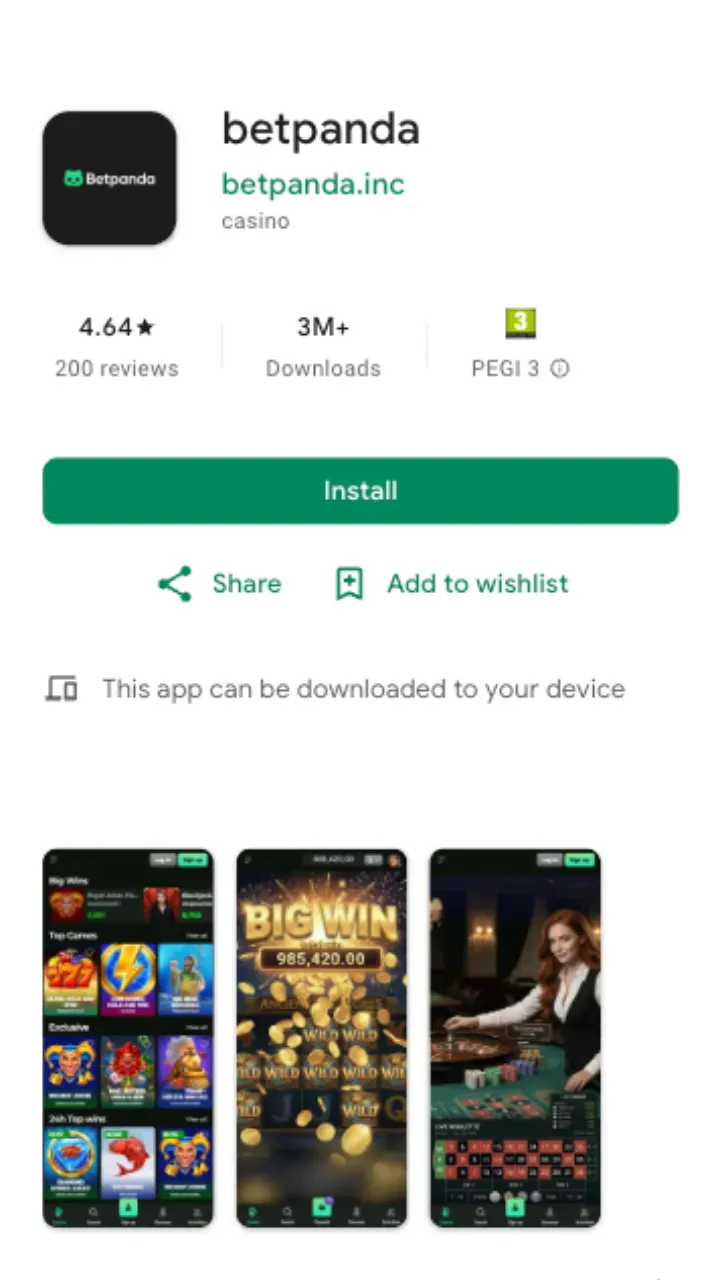
There is no separate file to hunt for and no APK to sideload through hidden settings. Betpanda runs as a web app: the same account, the same balance, the same welcome bonus you'd get on desktop, just resized for a touchscreen. Add it to your home screen once and the icon behaves like any installed program, opening to a full-screen lobby instead of a browser tab.
That approach keeps things light. You skip the storage hit of a heavy install, and updates land on the server, so you're always on the current build the moment you open it.
Mobile and tablet access at a glance
Whatever you hold, the lobby reshapes itself to fit. A phone in portrait stacks the game tiles into a single scroll; a tablet in landscape spreads them wide and keeps the live dealer streams crisp. Here's how the betpanda mobile tablet access lines up across devices.
| Device | How it runs | What you get |
|---|---|---|
| Android phone | Add to home screen via Chrome menu | Full lobby, live chat, cashier |
| iPhone | Add to home screen via the Safari share sheet | Full lobby, Apple Pay where shown, cashier |
| Android / iPad tablet | Same home-screen shortcut, wider layout | Larger tiles, side-by-side live tables |
| Any browser | Play in-tab, no shortcut needed | Instant access, nothing saved to the device |
How to set up the download shortcut
The betpanda download here means saving a shortcut, not installing a package. It takes under a minute on either platform.
On Android
- Open the-betpanda.com in Chrome and sign in, or register a new account first.
- Tap the three-dot menu in the top right.
- Choose Add to Home screen and confirm the name.
- Launch the new icon. It opens full screen, ready to play.
On iPhone and iPad
- Open the site in Safari and log in to your account.
- Tap the share icon (the square with an upward arrow).
- Scroll to Add to Home Screen and tap it.
- Confirm, then open the icon from your home screen.
What the app actually does
It's not a stripped-back version. Every section that lives on desktop travels with you.
- The whole library: over 10,000 slots from BGaming, Yggdrasil, Thunderkick, Spinomenal, and Platipus, plus live dealer rooms. Browse the full slots collection or jump to live games.
- The cashier: deposit and withdraw on the move. Crypto cashouts land within 24 hours, Visa and Mastercard take 1-3 business days, and SEPA bank transfer runs 2-3 business days.
- Live support: 24/7 chat and email reach the team straight from the menu, in English, German, or Greek.
- Your bonuses: the same promotions and free spins you'd claim on a computer.
Speed, data, and storage
Because nothing installs, the app weighs almost nothing on your device. The lobby caches the parts it can, so reopening it feels quick, and game streams pull only while you play. On mobile data a few live rounds eat more than spinning a slot, so a stable connection matters most for the live dealer floor. If a stream stutters, drop to the slots, which run fine on a lighter signal.
Common questions about the mobile app
Is there an APK to download?
No. There's no APK or Play Store listing. You save the site as a home-screen web app, which sidesteps the security risk of installing files from outside an official store.
Does the iOS version differ from Android?
The games and cashier are identical. The only difference is the setup step: Safari uses the share sheet, Chrome uses the three-dot menu.
Can I claim the welcome bonus on mobile?
Yes. Deposit £20 or more from the in-app cashier and the 100% up to £1,000 + 100 FS offer applies the same way it does on desktop.
Do my account and balance carry over?
They do. It's one account across every device. Log in once and your funds, history, and active bonuses are all there.
Want the wider picture first? The Betpanda review covers the operator end to end, while the payments guide breaks down every deposit and withdrawal route in detail. Once you've added the icon, the casino travels with you.